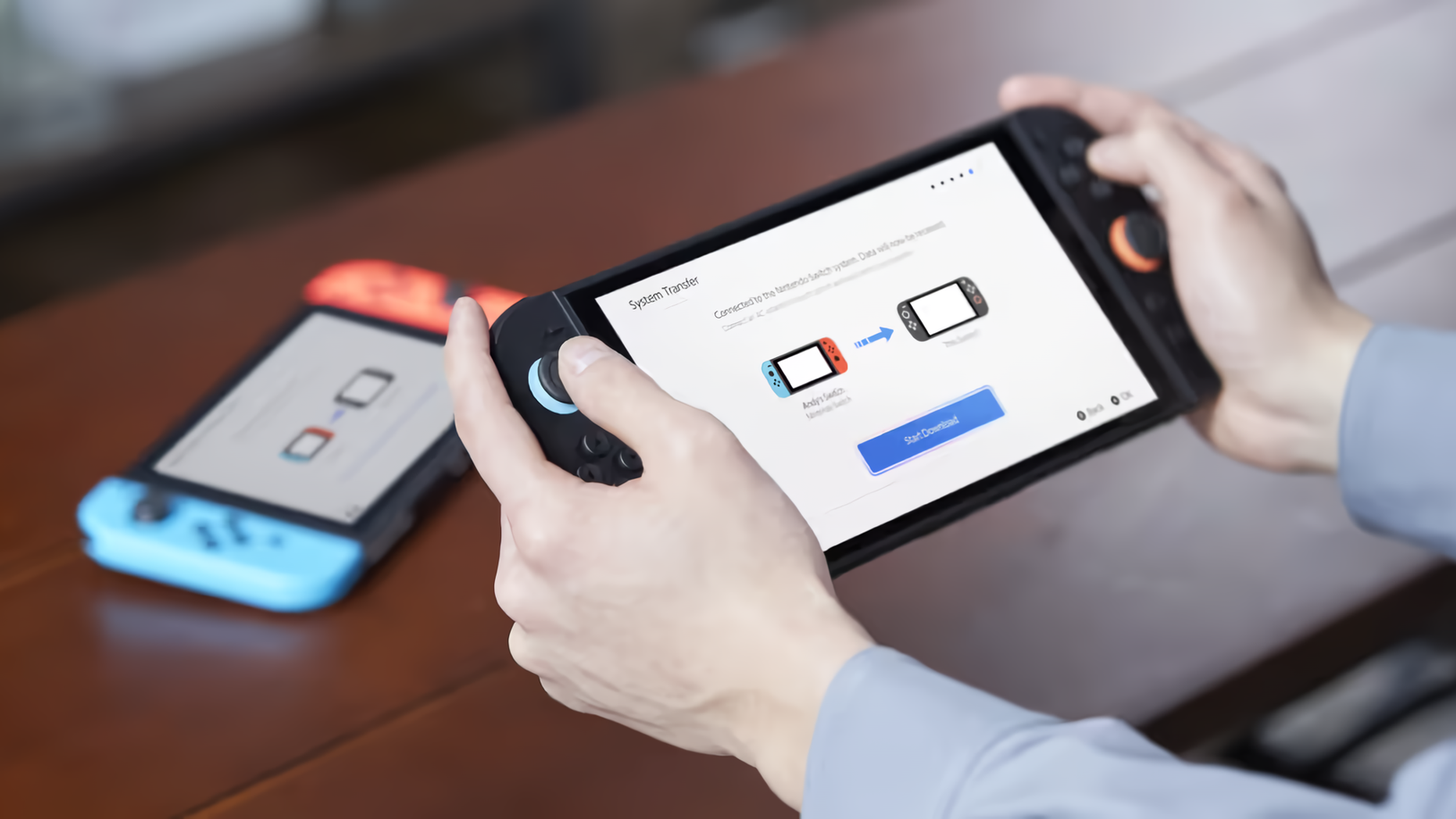
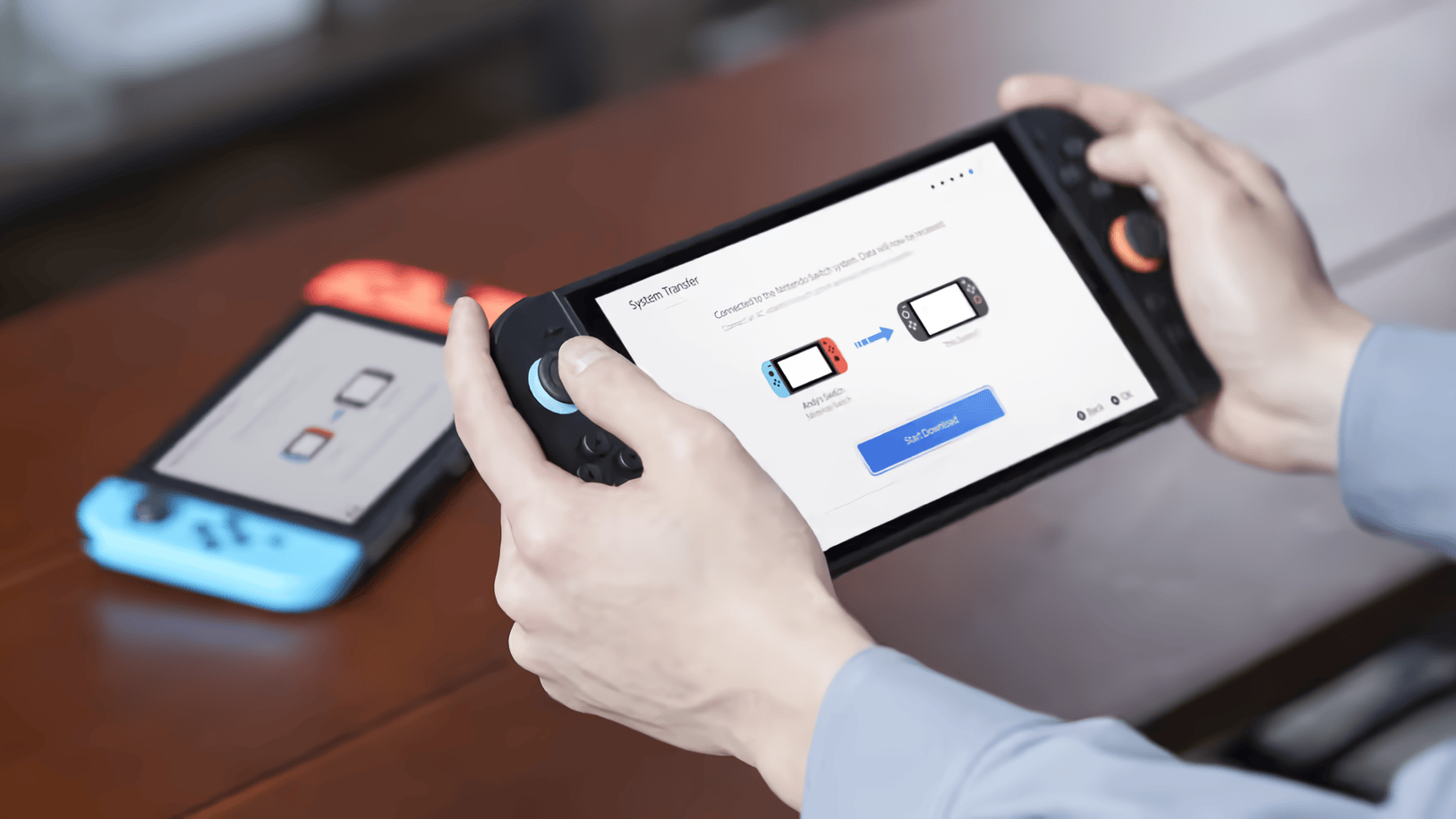
Nintendo released version 22.0.0 for the Switch and Switch 2, and it includes a major surprise for Switch 2 owners.
The headline feature is something Nintendo calls “Handheld Mode Boost.” As the name implies, the feature allows compatible Switch games to run as if the Switch 2 was in TV Mode. This is all while the Switch 2 remains in handheld mode.
To enable the feature, select System Settings from the Home menu. Scroll down and select System, then scroll down on the right and select Nintendo Switch Software Handling. From there, you can enable or disable Handheld Mode Boost.
Nintendo notes the feature might increase power consumption, so expect lower battery life when it’s enabled. Also, compatibility varies by title, the touch screen will be disabled, and the Joy-Con 2 controllers will be treated like a Switch 2 Pro Controller.

Leave a Reply